Uptime reports a client can open without signing in
Scheduled report emails carry an HTML uptime report as an attachment. A client can open that file, read it and forward it to their own manager, and none of them needs an account to do so.
This page explains how The Watchbill works for managed service providers. We built it so that every client you support can see the state of their own services clearly, without calling you to ask, and so that your team spends its time fixing problems rather than explaining them.
Most clients never ask how a check works. They want to know three things: whether their site is up, what happened when it wasn't, and whether someone was on it. Everything in The Watchbill is arranged around answering those questions for each client separately, rather than giving the MSP one big dashboard and leaving the client in the dark.
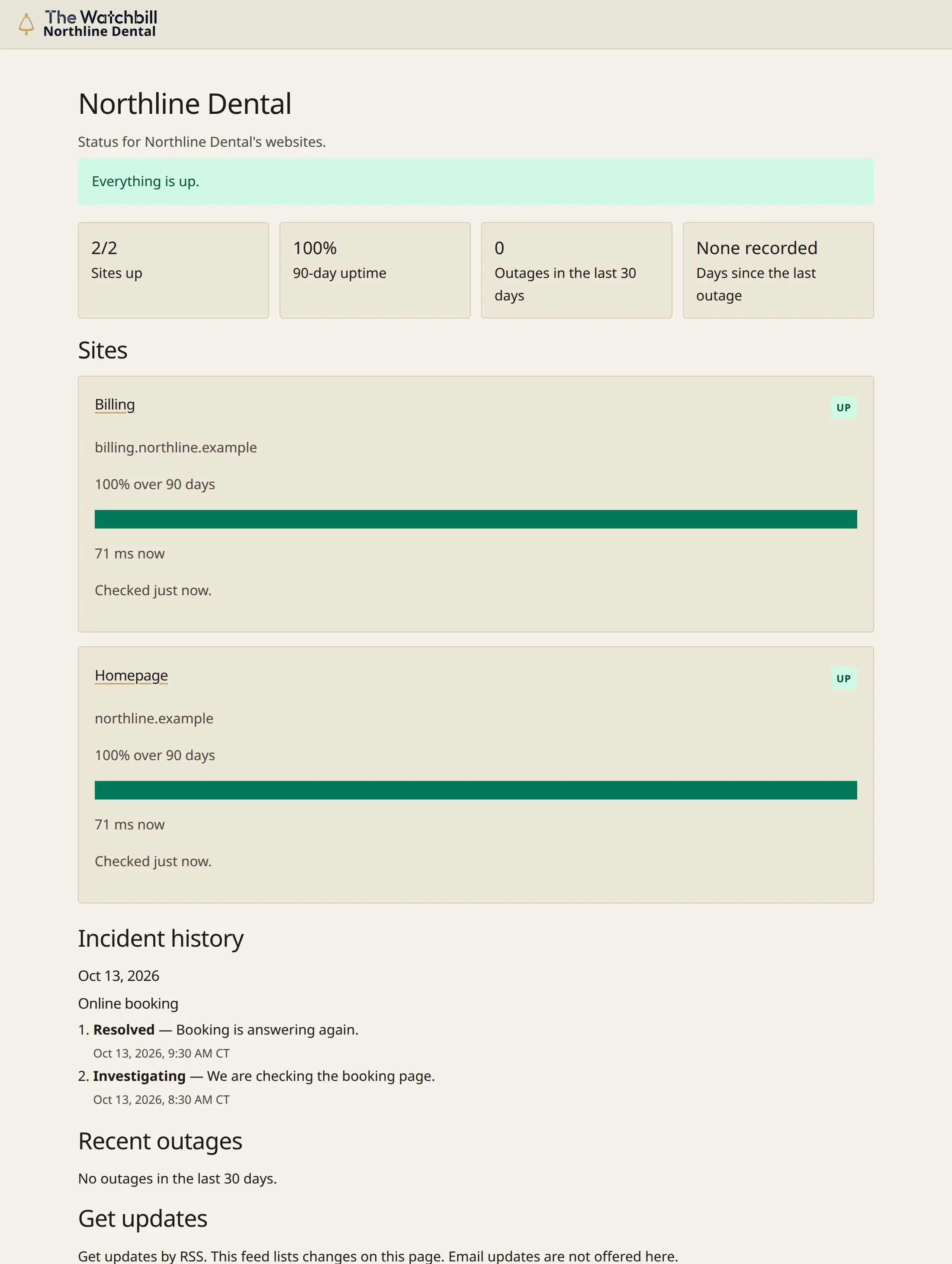
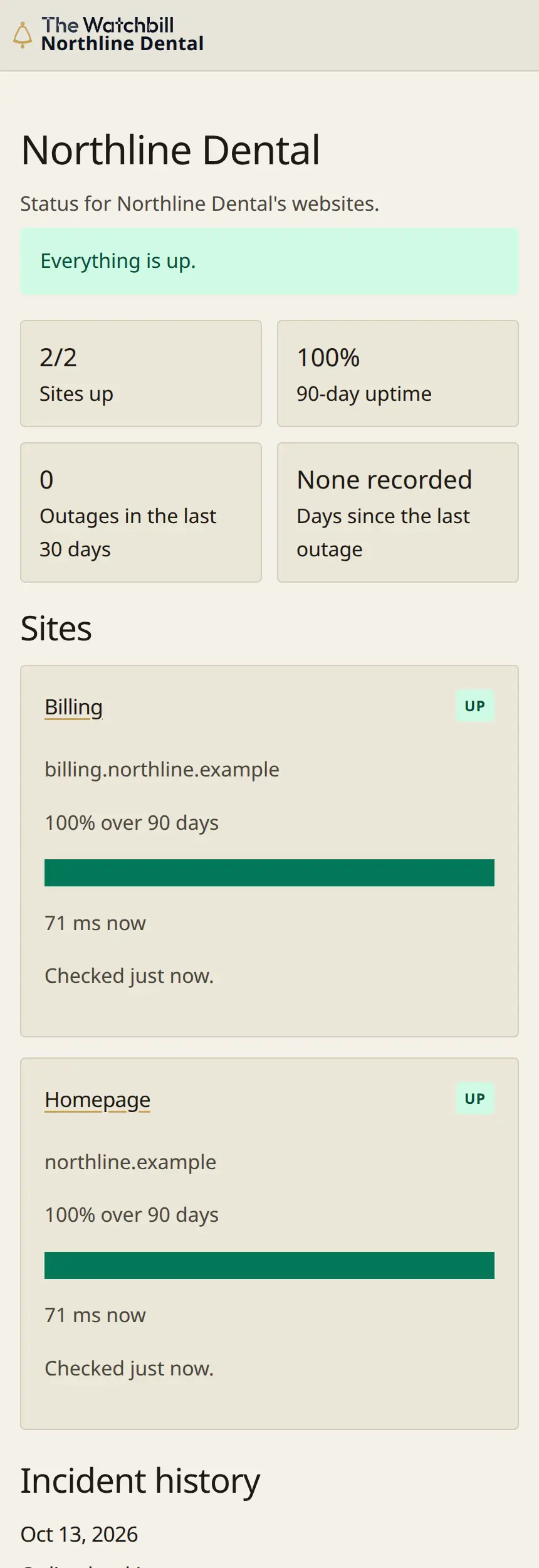
Each client can have a status page of their own. The page reloads every 60 seconds, so a client who leaves it open on a screen always sees the current picture instead of a stale one.
When something breaks, your team posts updates labeled Investigating, Identified, Monitoring and Resolved. These are the labels people already expect on a status page, so a client can follow an incident from start to finish without having it translated for them.
Scheduled report emails carry an HTML uptime report as an attachment. A client can open that file, read it and forward it to their own manager, and none of them needs an account to do so.
By default, maintenance windows stay out of the uptime percent, so a planned patch night doesn't show up as downtime in your numbers. If a contract calls for it, you can include a window in a report instead; then a minute that failed during maintenance counts as down, and a minute that stayed up counts as up.
The Watchbill runs its checks from US regions, which suits MSPs whose clients and their customers are mostly in the United States.
Alerts can go to an email-to-ticket address or straight into your PSA on plans above Starter, so a problem becomes a ticket in the queue your technicians already watch rather than one more inbox to check.
Every plan can be paid monthly or yearly. Paying yearly gets you two months free.
The Watchbill helps an MSP keep clients informed without extra work. Each client gets a status page that stays current, incident updates they can understand, and a report they can open and share on their own. Your team, meanwhile, gets alerts in the ticket queue it already uses and uptime figures that treat planned maintenance fairly.
It reloads every 60 seconds.
No. The report arrives as an HTML file attached to a scheduled email, and it opens without signing in.
Not by default. Maintenance windows stay out of the uptime percent unless you choose to include them in a report.
Yes, on plans above Starter. Alerts can go to an email-to-ticket address or directly to your PSA. Free and Starter use email alerts.
Yes. Plans can be paid monthly or yearly, and yearly includes two months free.
Our comparison guides set the differences out side by side.
The Watchbill gives each of your clients a clear, honest view of their own uptime and gives your team less to explain. Start free today, set up your first client, and see what their status page looks like.